
Name-Based Case Searches
Start at MiCOURT. That is Michigan's public case-search entry point. Open the MiCOURT Case Search landing page and pick the Iosco County Circuit Court when the case sits in the 23rd Circuit. The name-search panel requires a Last Name or Business entry; First Name, Middle Name, and Birth Year stay optional. A name or business search works best when you are tracking down one known public case. Check the court listed on any hit. Then read the full case detail against what you already know.
- Select the court first. Use the direct Iosco Circuit selection when the matter is a 23rd Circuit case.
- Enter the required last name or business name, then add first or middle name only if it helps distinguish an Iosco County public case.
- Use Birth Year only where appropriate and only as the Iosco County public form permits. Protected personal information is not ordinary search material.
- Apply a visible Iosco County type, status, or date filter only after reviewing the first results. The available web choices can change.
- Open a likely result and compare the Iosco County court, case number, type, filing year, and public status with a notice or clerk-provided detail.
That official field example is a reference tool, not a pass to mine the court system for bulk data. Common names get muddy fast. When a notice, a setting, or a clerk has already given you an Iosco County case number, search that instead of a name.
Iosco Case Search Court Selection
On the court-selection screen, the local Iosco County Circuit selector reads C23~3. Choosing it points MiCOURT at the Iosco County Circuit Court. It skips the broad statewide sweep. The choice matters. The 23rd Circuit is the general-jurisdiction trial court for Iosco County Circuit and Family filings. The 81st District runs its own lane. The Probate office does too. A statewide start helps when you do not know which court holds the file. Even so, always confirm the Iosco County court shown on the result. One more screen causes confusion here. The official MiFILE and TrueFiling login page belongs to the filing system, not the public case search.
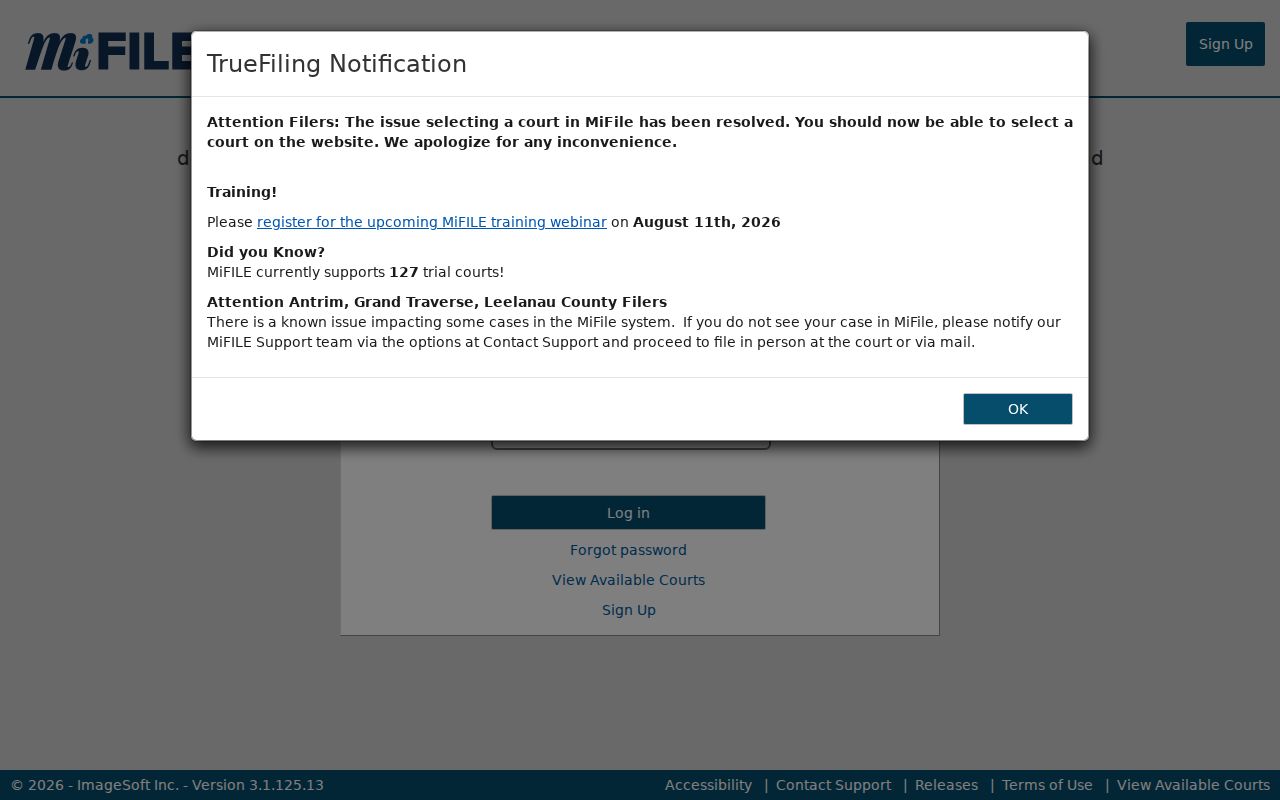
The difference matters in Iosco County. Where a court is available, MiFILE handles authorized electronic filing, but it never replaces MiCOURT for public case-history searches. Iosco County does not appear on the MiFILE available-courts list, so ask the Iosco County clerk before assuming local e-filing access.
Iosco Case Search Calendar Identifier
A Circuit calendar entry can hand you a case number. That helps when a setting notice leaves one out. Take that number into MiCOURT. Then confirm the selected court and the case history line up with the setting. Keep the calendar's role in perspective. It shows Iosco County settings only, not the full record. Note: a calendar number labels a setting. The court and the public case history must still match before you rely on it.
Case Number Searches
Search the number first whenever a notice, calendar, or prior court document gives you one. MiCOURT's case-number panel asks for Year, Number, and Type. On the Iosco County Circuit hearing calendar, entries follow a year-plus-long-number pattern with a two-letter suffix. The shape looks like YYYY-##########-XX. Treat that as a visual pattern you may encounter, not a published local code key. Guessing at the suffix invites error. And never apply the Circuit format to an Iosco County District Court case.
| MiCOURT field | Type | Required | Use in an Iosco search |
|---|---|---|---|
| Select Another Court | Court selector | Needed to target a court | Select Iosco County Circuit through C23~3 for an Iosco County Circuit case. |
| Last Name or Business | Text | Required for name panel | Use an individual last name or business name for an Iosco County case. |
| First Name and Middle Name | Text | Optional | Narrow a lawful Iosco County public name search. |
| Birth Year | Text or year | Optional | Use only when the Iosco County public form permits and a lawful match is needed. |
| Year, Number, Type | Text or selector | Optional case-number parts | Enter Iosco County court-provided number components without inventing a type suffix. |
| Show and Clear | Filter controls | Action | Apply or remove Iosco County filters after checking the court selection. |
Lean on the Circuit hearing calendar when it lists the case number, date, time, and room for a setting. It is not a complete docket. Still, it yields a stronger identifier for the follow-up case lookup.
Iosco Case Search Fields
The Iosco County public web form shows only the fields and filters the court exposes there. A MiCOURT developer reference shows more under the hood. The catalog covers category, status, public status, judge, file-date ranges, and pagination. That technical catalog does not promise the public form displays every field. It grants no right to private information either. The form is the operative Iosco County public tool. The Michigan court-records rules set the public-access framework that governs any Iosco County case record.
Use the public form to identify an Iosco County case history. It cannot surface every filing, attachment, or restricted detail as a public result.
Iosco Case Search Filing Boundary
MiFILE and TrueFiling are filing tools, plain and simple. They are not a public route into an Iosco County case search. For public case history, use MiCOURT. Or go to the Iosco County clerk. Check with the proper Iosco County court office before filing anything. Note: Iosco County does not appear on the MiFILE available-courts list. A filing account proves nothing about local access.
Case Search Results Explained
Read any Iosco County public result as a lead, not a verdict on the case. Michigan calls this record the Register of Actions. Locally it is also known as a case history. Think of it as the chronological spine of the file. It covers filings, hearings, orders, judgments, dispositions, and other events the court makes public. Two limits deserve respect. A public history is not automatically a complete image archive. And an online result never counts as a certified record.
| Case number | The Iosco County court-assigned identifier. Match it to the notice, calendar, and selected court. |
|---|---|
| Court | Shows whether the case belongs to the Iosco County 23rd Circuit, 81st District, Probate, or another court lane. |
| Case type | An Iosco County public category where displayed. The live form may not show every category or local type label. |
| Filing date | The Iosco County opening date, which is not the same as a disposition date or last event date. |
| Status | An Iosco County displayed system label such as open, closed, disposed, or deferred. Confirm complicated histories with the clerk. |
| Events and documents | Iosco County public event history may be visible, while a document image can still be unavailable or restricted. |
Note: A disposed label in the results is only a system status. Read the public order or get a certified record when you need official proof.
Iosco Case Search Limits
MiCOURT calls its Iosco County results informational, and it warns that errors happen. It does not promise full coverage of every case or document. Some courts limit display to criminal convictions with sentencing within seven years. The search system flags that filter. Older Iosco County files may need a clerk inquiry instead. So a blank public result is not proof that no court record exists. Treat it as one screen, not a certified conclusion.
Use the right next step: If a known Iosco County case is old, missing, restricted, or needs a public document copy, ask the correct court clerk for the court-record route rather than broadening the search.
The Iosco County search system is not built for bulk downloads. The Judicial Data Warehouse supports statewide court reporting, but it does not hand the public a complete set of Iosco County case data.
Two Ways to Search: County and State
Two routes exist. Pick the direct Iosco County Circuit selection when you already know the court. Use the statewide MiCOURT landing page when you must first find the holder. Some searches need to learn which Iosco County court holds the case. Neither route turns an Iosco County District or Probate file into a Circuit record. The 81st District clerk stays the local route for District court files. The Probate Register serves its own court files.
| Channel | Best use | Important limit |
|---|---|---|
| Iosco Circuit MiCOURT | Known 23rd Circuit case, by name or number | Coverage is public and informational, not certified. |
| Statewide MiCOURT | Finding the court when it is uncertain | Review the returned court before relying on a match. |
| Iosco Circuit calendar | Checking a Circuit setting and finding a case number | It lists scheduling fields, not the full file. |
| Correct clerk office | Public inspection, copies, missing cases, or certification | Request access under MCR 8.119 and identify the court and case. |
For state court files, county FOIA is no substitute for the court's own access process. Michigan FOIA leaves the judiciary outside its public-body definition for court records. County FOIA still fits a county administrative record held by a county office.
Iosco Case Search Channels
An online search is not the only route in Iosco County. Circuit and Family questions go to the County Clerk at (989) 362-3497. The 81st District clerk takes traffic, misdemeanors, preliminary hearings, small claims, landlord-tenant matters, and lower-value civil cases. That office can be reached at (989) 362-4441. Probate questions go to (989) 362-3991. Each office can explain how to request public inspection or copies for its own court lane.
In person, bring the court and case number to the right clerk counter. The courthouse sits at 422 W. Lake Street in Tawas City. Circuit questions can also route through County Clerk email at countyclerk@ioscocounty.org. Fax works at (989) 984-1012, subject to clerk directions. Ask the clerk whether a courthouse public terminal offers extra history rather than assuming it does. Payment portals will not run a docket search. MiFILE is not a public case-search channel either.
For a public court record, follow the court's MCR 8.119 process. County FOIA offers separate mail, fax, email, and in-person methods, but only for county administrative records.
Iosco Case Search Missing Results
A known Iosco County case missing from the results? Check the court selection, the exact case number, and the filing year. Then ask the right clerk about the file itself. It may be older, restricted, sealed, archived, or simply not exposed online. A broader name search cannot tell you a case is restricted.
Note: A missing online result does not prove the Iosco County court lacks the case. It also does not prove the status has not changed.
Which Cases Stay Restricted
Public access has limits. MiCOURT lists excluded or nonpublic categories. They include adoption, juvenile and child-protective proceedings, PPOs, name changes, wills, mental-illness matters, surrendered-newborn matters, treatment of infectious disease, and several related protected proceedings. The statewide nonpublic chart and MCR 1.109 also shield personal data. Protected items include full birth dates, Social Security or national-identification numbers, driver-license numbers, passport numbers, and financial-account numbers.
One rule change matters here. After a felony bindover on or after July 2, 2024, the District record becomes nonpublic. The Circuit record follows its own access rules. A missing lower-court entry can reflect a transfer and restriction rather than a case that vanished. Ask the proper clerk about the public status of a known case type. Do not use a county administrative FOIA request to chase a sealed court file.
Iosco Case Search Technology
Iosco County runs on connected but different systems. County pages handle contacts and routing. MiCOURT handles public case search, Michigan Court Display handles Circuit settings, and vendor portals handle payments. The wiring does not create one county database. A payment record is not a Register of Actions. A public search result is not the certified record either.
Once you have the case number, the Iosco County court case records page can help. It walks through the clerk process for fuller document requests. Match the court, the case number, and the record type. Then ask the office that holds the record which public access method applies.